 +1 (774)478-6704
 Order@premiumonebackdrops.com


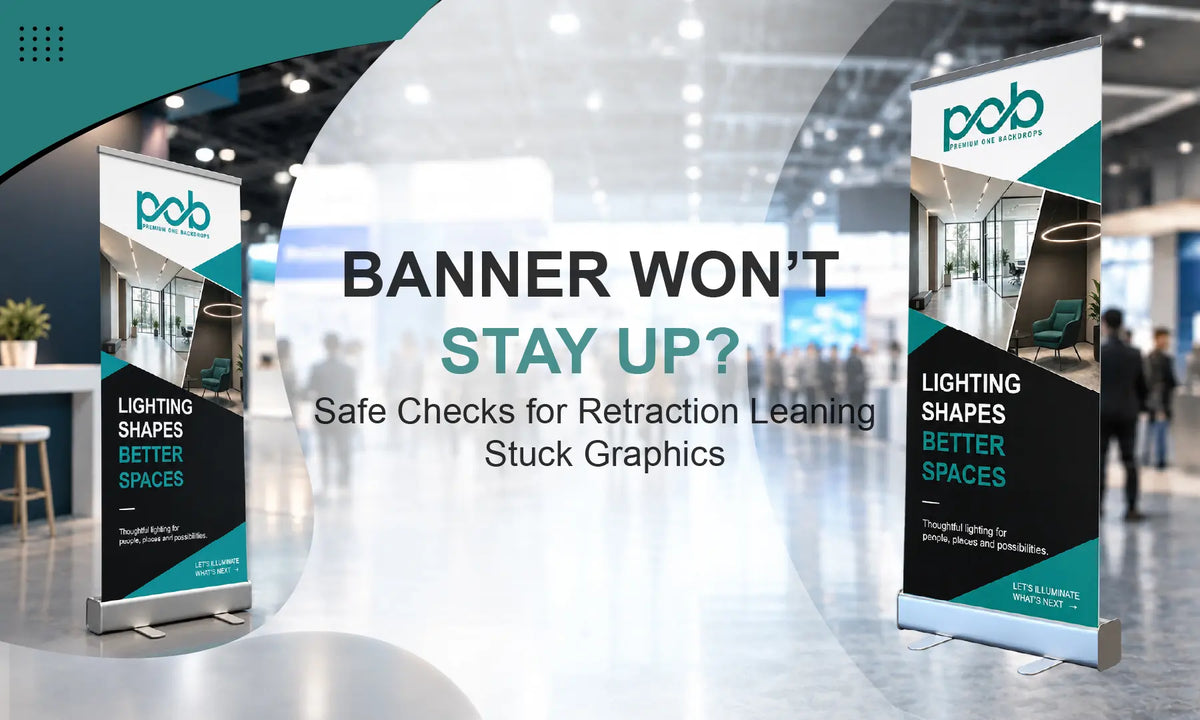
A retractable banner stand should be easy to use: pull up the graphic, secure it to the support pole, and guide it back into the base after the event. If the banner will not stay up, retracts unevenly, gets stuck, or starts leaning, the entire stand may not need to be replaced.
If you are comparing different styles or considering a replacement, browse our Banner Stand Collection to see the available options.
Important: Do not open the cassette, adjust the internal spring, insert tools into the base, or attempt to repair the internal roller mechanism. These components may remain under tension. If the problem appears to be inside the base, stop using the stand and contact the supplier or a trained service provider.
Quick Retractable Banner Problem Check
| Problem | Check First | Stop Using the Stand When |
|---|---|---|
| Banner will not stay up | Support pole, pole connection, top rail | The pole or top rail cannot hold securely |
| Banner will not retract | Top rail position and visible graphic alignment | The graphic remains stuck or makes unusual sounds |
| Graphic retracts unevenly | Keep the top rail level and recenter the graphic | The same edge remains folded, trapped, or damaged |
| Stand is leaning | Floor, stabilizing feet if fitted, support pole, surrounding area | The base, pole, feet, or other hardware appear damaged |
Before Troubleshooting, Start With Safe External Checks
Move the stand to a clean, level indoor surface before testing it. Keep bags, cables, and other objects away from the base so you can tell whether the stand itself is unstable or the surrounding area is affecting it.
Inspect the visible parts, including the support pole and its connections, top rail, graphic edges, and stabilizing feet if your model uses them. If you are not sure how a standard retractable stand should look when assembled, use our Roll Up Banner as a reference for the basic base, support pole, and graphic arrangement. Your model may use a different pole connection, locking system, foot design, or top-rail structure, so follow the instructions for that exact product whenever they differ from the checks below.

Problem 1: Retractable Banner Will Not Stay Up
If the graphic pulls out normally but drops again or cannot remain at full height, start with the external support structure rather than assuming the problem is inside the retractable base.
Check the Support Pole
Make sure all pole sections are fully connected and sit straight. If your model uses an adjustable or telescopic pole with a locking point, confirm that the lock is secured according to that model’s setup instructions. Do not use tape, wedges, or improvised parts to hold a loose pole in position.
Check the Pole Connection and Top Rail
Confirm that the support pole is seated correctly in the base and remains upright. At the top, make sure the rail is attached according to the product design and is not loose, bent, or pulling the graphic toward one side.
Raise the banner slowly and vertically while keeping the top rail level. Avoid pulling strongly to one side. If the pole and top rail appear correctly installed but the stand still cannot hold the graphic, stop troubleshooting rather than using temporary hardware.
Problem 2: Retractable Banner Will Not Retract or Retracts Unevenly
If the graphic stops halfway, enters at an angle, or one side moves faster than the other, pause instead of pushing the graphic down or pulling harder.
Keep Control of the Top Rail
Hold the top rail securely before removing it from the support pole. Guide it downward slowly and keep it level while the graphic returns to the cassette. Do not let the banner snap back into the base, because sudden retraction can crease the graphic or worsen an alignment problem.
Recenter the Graphic Before Trying Again
If one side starts retracting faster, stop lowering the banner. Raise it slightly, level the top rail, and recenter the graphic before trying again. If the same edge continues to fold, catch, or pull to one side after one gentle realignment, stop there.
Check for Visible Obstructions
Look at the cassette opening from the outside only. Dirt, packaging material, or a visibly folded graphic edge may explain why the banner is not moving normally. Do not insert tools or fingers into the cassette. If the banner remains firmly stuck or makes clicking, scraping, or grinding sounds, stop using it.

Problem 3: Retractable Banner Stand Is Leaning or Unstable
Check the Floor and Stabilizing Feet
Place the banner on a flat, solid surface. Carpet edges, floor transitions, cables, or debris underneath the base can make the stand appear uneven. If your model includes stabilizing feet, position them according to the product instructions. Not every retractable banner uses the same foot structure.
Check the Pole and Graphic Position
Look at the stand from the front and side. The support pole should be straight, fully connected, and seated correctly in the base. If your model uses a telescopic lock, confirm that it is secured. A bent pole, damaged top rail, or graphic pulling to one side can also affect stability.
If hardware appears bent or damaged, do not try to straighten it while the graphic is attached. Remove the display from use.
Consider the Event Environment
Strong airflow, crowded walkways, or equipment moving close to the stand can make a lightweight retractable display less stable. If the problem only occurs in one location, move the banner to a more protected position rather than modifying the base or adding improvised hardware.
When to Stop Using a Retractable Banner
External checks can solve some setup-related problems, but troubleshooting should stop when the stand no longer operates predictably. Remove the stand from use if:
- The graphic retracts suddenly and cannot be controlled.
- The banner remains firmly stuck after one gentle realignment.
- The top rail begins separating from the graphic.
- The base, stabilizing feet, support pole, or other hardware are bent or broken.
- Sharp edges or loose hardware are visible.
- The stand makes severe clicking, scraping, or grinding sounds.
What to Send When Contacting Support
If the external checks do not solve the problem, send your order number, exact product name and size, a full photo of the assembled banner, close-up photos of the base, pole connection and top rail, and a short video showing what happens when the banner is raised or lowered.
Also explain when the problem started, such as after shipping, storage, or event setup. If transit damage may be involved, include photos of the shipping carton and packaging and keep the original packaging while the issue is reviewed.
How to Prevent Common Retractable Banner Problems
Before an important event, set the banner up once and check that the visible hardware is connected correctly for your model. During breakdown, keep control of the top rail and guide the graphic vertically into the base rather than letting it snap back. Transport the stand in its protective bag when one is supplied, and keep the base clean and dry during storage.
Retractable Banner Troubleshooting FAQs
What Should I Do If My Retractable Banner Stops Working During an Event?
Keep visitors away from an unstable stand and lower the graphic carefully if it can still be controlled. Stop using the display and take clear photos or a short video so the issue can be reviewed.
Can I Open the Base to Fix the Spring?
No. The internal roller mechanism may contain stored tension. Do not open the cassette or attempt to adjust the spring yourself.
Check the External Parts Before Replacing the Stand
A retractable banner that will not stay up, retract properly, or stand straight does not always need to be replaced. Start with the external parts you can safely inspect and make only gentle adjustments that match the structure of your specific model.
If the stand remains stuck, unstable, visibly damaged, or the problem appears to be inside the cassette, stop troubleshooting rather than forcing the mechanism. If you still need help with a POB banner, contact the POB team with your order details, product size, photos, and a short video showing the issue.